
Managed vs External Tables in Databricks: What They Are, How They Work, and When to Use Each
Understanding Managed and External tables in Databricks — with real-world analogies, code samples, visuals, and advice you can trust.
Picture this: You’re building out a data pipeline in Databricks. You’ve ingested your data, cleaned it, and now it’s time to save it as a Delta table. But then comes the question:
Should this be a managed table or an external one?
It’s a question every data engineer faces—and making the wrong choice can lead to broken pipelines, lost data, or painful migrations down the line.
Let’s clear this up, once and for all.
📦 What is a Managed Table in Databricks?
When you create a managed table, Databricks takes care of everything. Managed tables are the default type of table in Spark:
It decides where to store the data
It controls how the data is managed
If you drop the table, the data is deleted too!!
✅ Example:
CREATE TABLE sales_data (
  id INT,
  revenue DOUBLE
)
USING DELTA;
This table and its data are fully managed by Databricks.
🔥 Real-world Analogy:
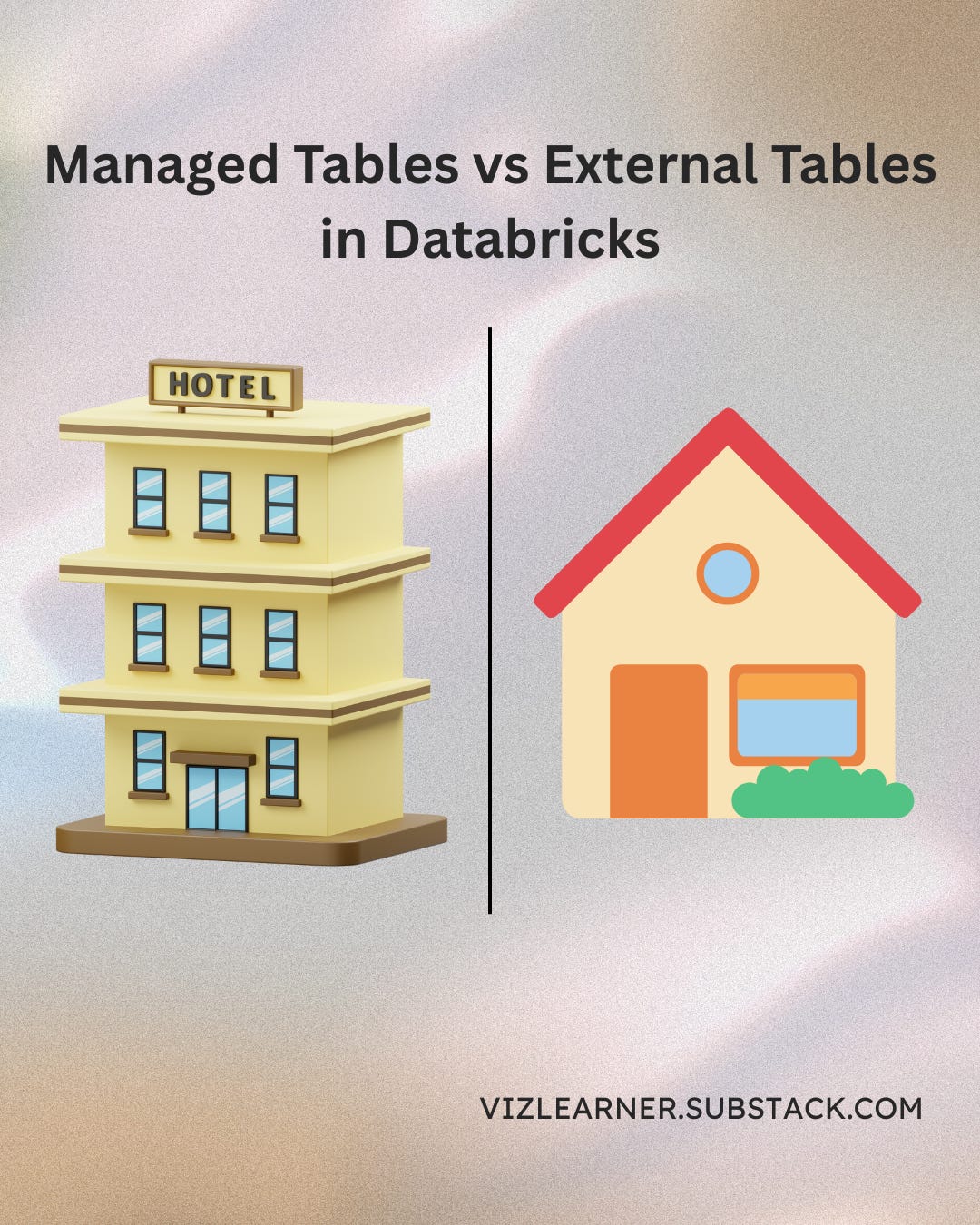
Think of it like storing your stuff in a hotel room. You check in, everything’s arranged for you, and when you check out—your belongings are gone.
📂 What is an External Table in Databricks?
An external table means you point Databricks to data you already have somewhere else—maybe in a HDFS, relational database, data lake or on S3. External tables are designed to access data stored outside of Spark’s control.
You manage the location
Databricks reads the data, but doesn’t own it
Dropping the table does not delete the data
✅ Example:
CREATE TABLE customer_data
USING DELTA
LOCATION '/mnt/data/customers';
🔥 Real-world Analogy:
This is like owning an apartment. You stay there for as long as you like, cook in the kitchen, but when you leave—the house and its contents remain.
✅ Pros and Cons
Managed Tables
Storage is managed by Databricks
Data drops on deletion
Portability Limited
Ideal for Temporary/Dev Workflows
External Tables
Storage is managed by You
Data doesn’t drop on deletion
High Portability
Ideal for Production/Shared Data Lakes
🤔 Which One Should You Use?
Use Managed Tables when:
You're working with temporary or intermediate datasets
You want Databricks to handle storage paths
You don’t need the data once the table is dropped
Use External Tables when:
You want more control over your storage
You’re sharing the data between multiple tools/workspaces
You’re dealing with production or archival datasets
Your data is shared across different Spark applications
Leverage existing data stored in external locations without moving or copying it.
💻 Quick Code Comparison
-- SQL
-- Managed Table
CREATE TABLE <catalog-name>.<schema-name>.<table-name>
(
  <column-specification>
);

-- External Table
CREATE TABLE <catalog>.<schema>.<table-name>
(
  <column-specification>
)
LOCATION 's3://<bucket-path>/<table-directory>';
# PySpark

from pyspark.sql import SparkSession

# Create a SparkSession
spark = SparkSession.builder.appName("ManagedAndExternalTables").getOrCreate()

## Managed Table

# Create the managed table with the specified schema
spark.sql("CREATE TABLE managed_table (id INT, name STRING) USING PARQUET")

# Assuming 'df' is a DataFrame with data that we want to save as a managed table
df.write.saveAsTable("managed_table_name")


## External Table

# Create the external table with the specified schema and location
spark.sql("CREATE EXTERNAL TABLE external_table (id INT, name STRING) USING PARQUET LOCATION 'table_path'")

# Assuming 'df' is a DataFrame with data that we want to save as an external table
# Replace 'table_path' with the actual path where you want to store the
🧪 Real-World Case Study: Data Lake Modernization for a Retail Client
A large retail company was migrating from Hadoop-based storage to a cloud data lake on Azure. In the early stages, they created managed tables for quick POC wins. But when their architecture scaled, they needed to:
Retain raw datasets independent of compute layer
Enable Power BI and Tableau to access the same data lake
Maintain lineage and compliance across tools
They converted their Delta Lake setup to external tables, pointing to versioned paths in Azure ADLS. This gave them full control, long-term flexibility, and seamless interoperability across platforms.
Managed tables were used only for intermediate aggregations within Databricks notebooks. This hybrid strategy saved them hours of rework and reduced cloud storage costs by 23%.
🌟 Bonus Tip
If you have managed tables in a catalog which you want to convert to external tables, while preserving the version history of the tables as well, the below command will save you a lot of headache.
CREATE TABLE new_external_table DEEP CLONE managed_table VERSION AS OF <version_number> LOCATION 'path_to_external_location';
🧭 Closing Thoughts
I’ve seen data teams struggle because they didn’t understand the implications of managed vs external tables—especially when cleaning up legacy projects or trying to scale. A five-minute decision made early in a project can cost hours or days later.
So now that you understand the difference, treat table type selection with the same care as schema design. Know what you’re optimizing for: control or convenience.
Still unsure? Start with managed tables in dev, switch to external in prod. Or ping me—I love helping folks reason through this stuff.
Until next time,
The Visual Learner